Design
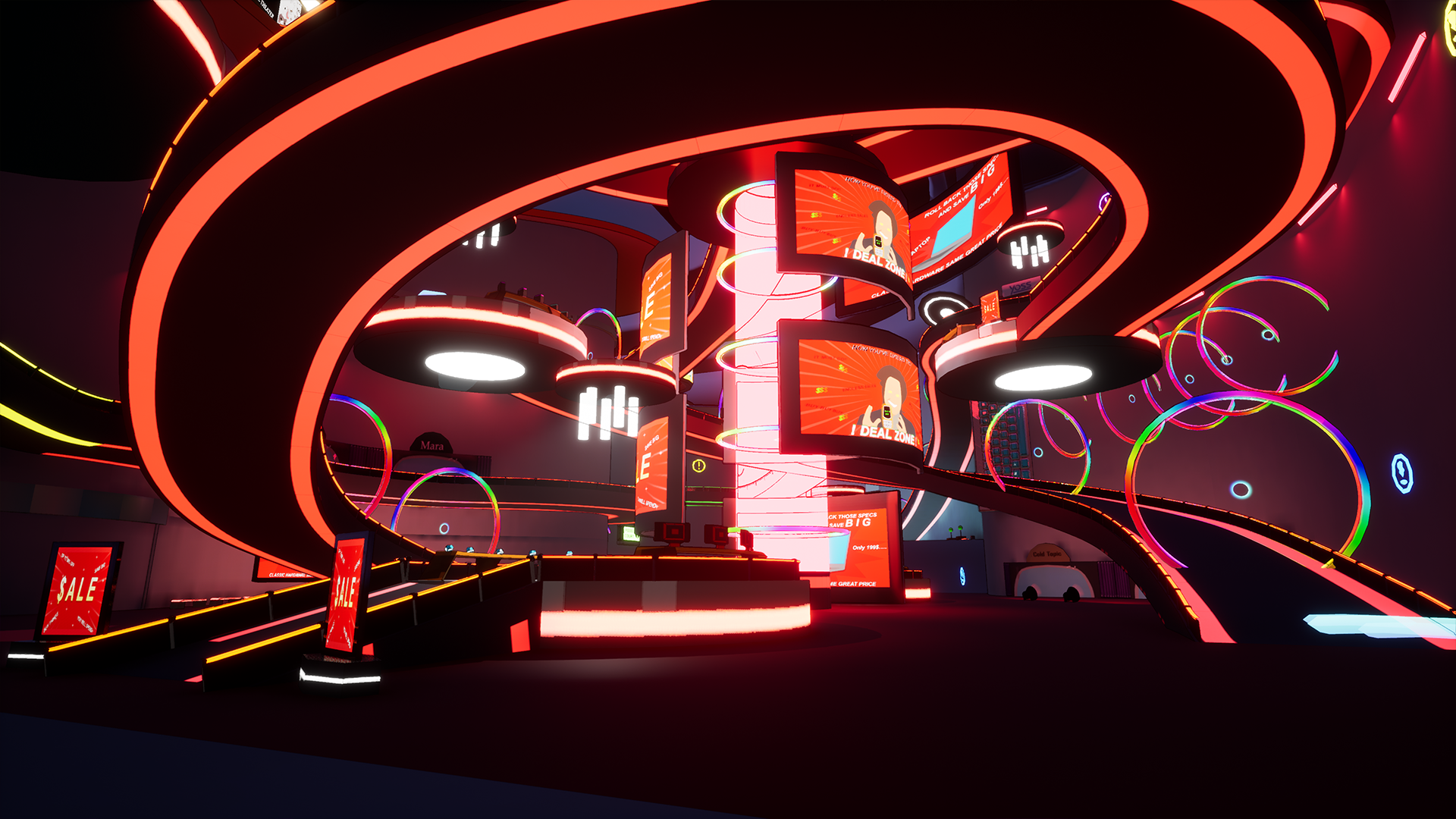
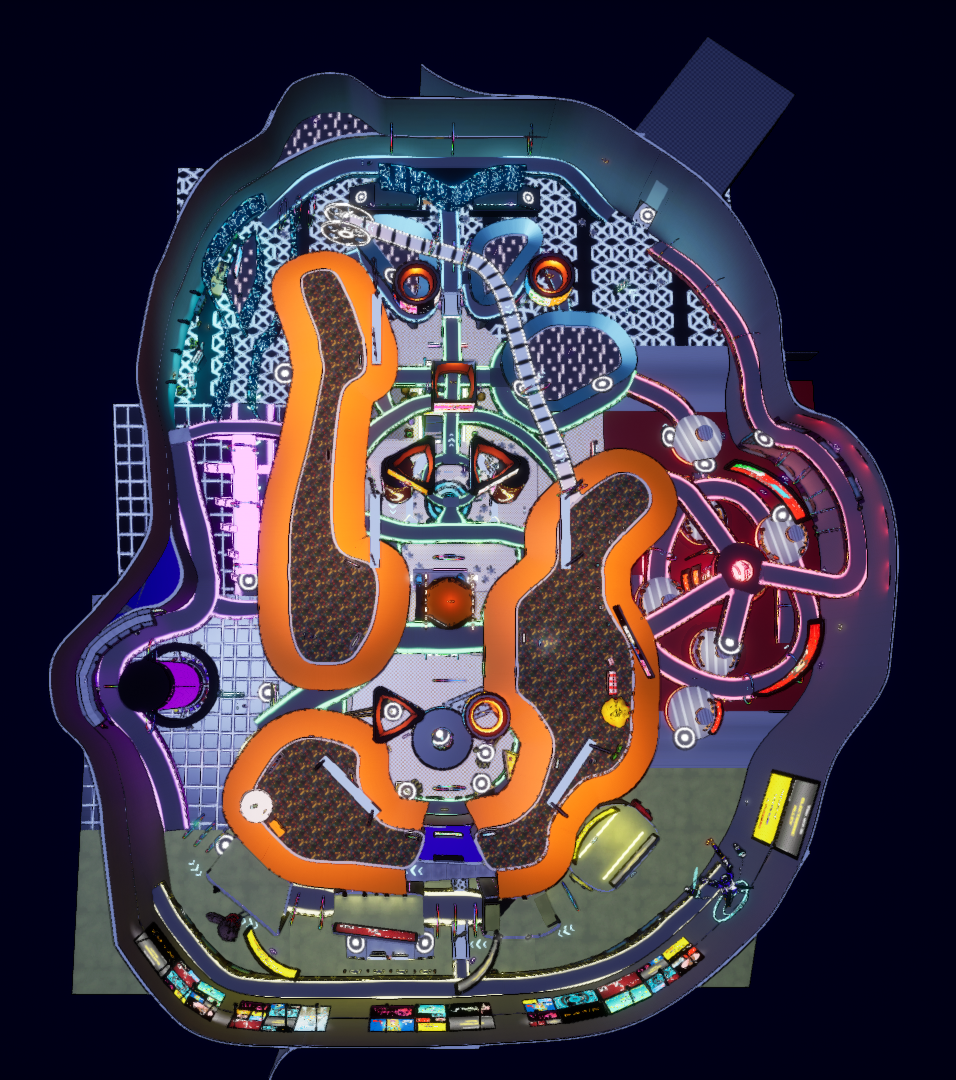
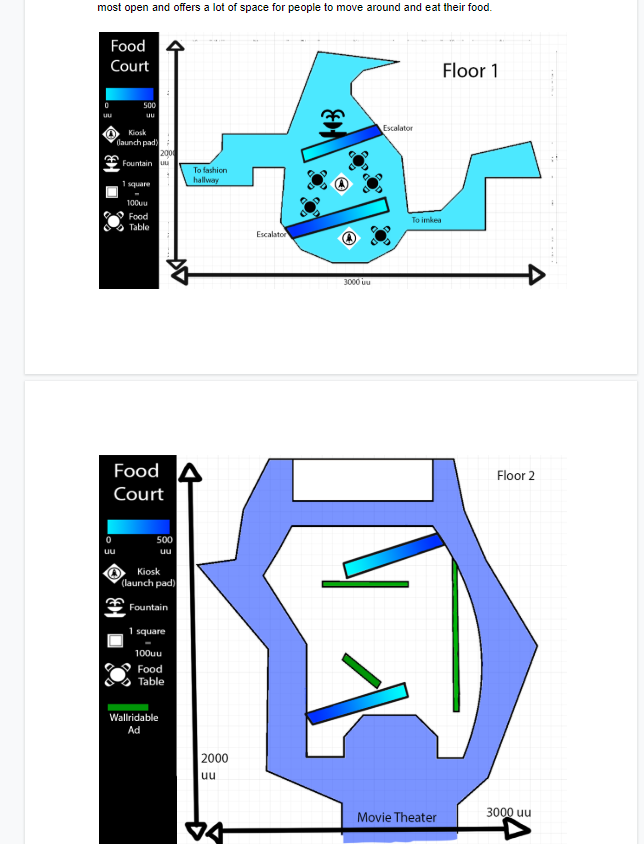
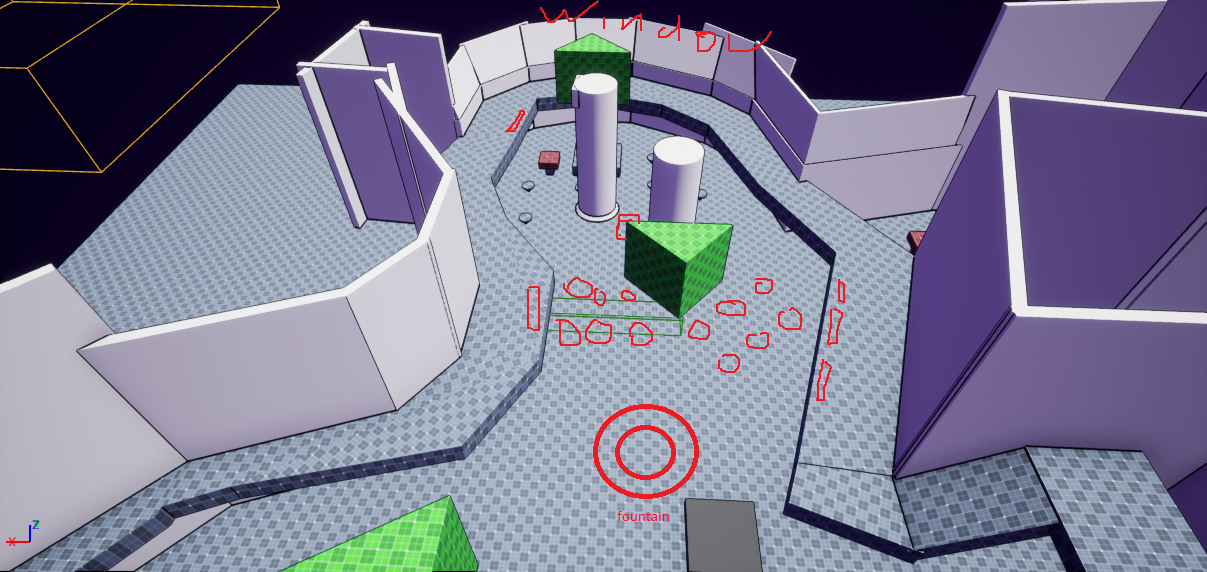
The game takes place in the woowie shopping mall, a shopping centre overrun with corporate advertisement overload and messages pleading you to buy stuff.Initially the game was only going to have 2 big areas: the food court at the center of the mall and a ring wrapped around it called “electronic alleyway” that would house different kinds of shops.
However, I realized this design was clearly flawed in the sense that the area wrapped around the center couldn’t have a global identity, as players would get lost quickly with such a big area sharing the same aesthetic and landmarks everywhere.
To solve this, I divided the game in 6 different areas, with the ring being divided into 4 areas separated by location (west, north, east and south).
Each area was decided to be color coded:
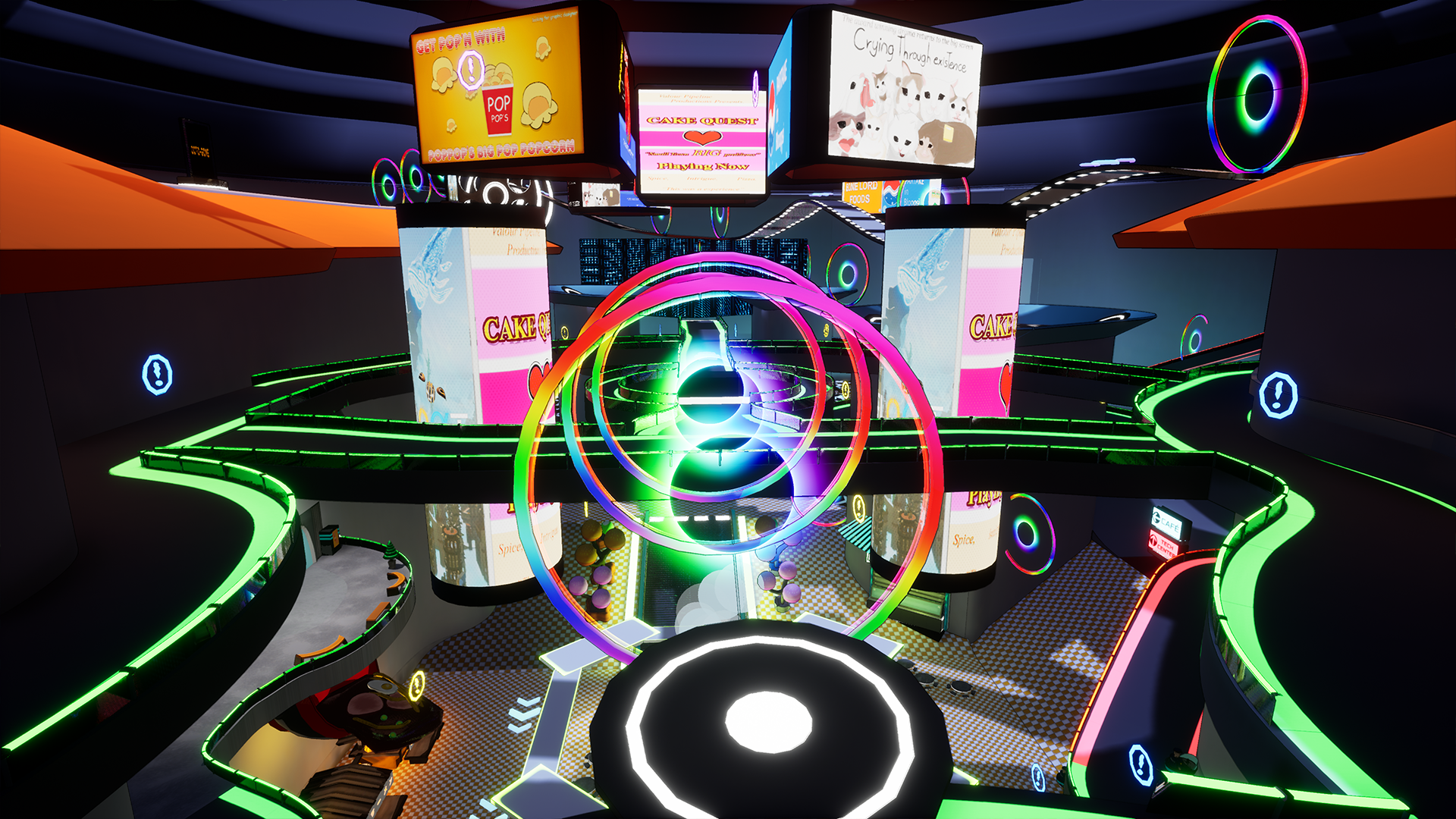
-Food Court (center)
- GreenElectronic Alley (south)
- YellowArcade (west)
- PurpleCafe (north)
- TurquoiseDeal Zone (east)
- RedMovie Theater (rooftops)
- Brown / Orange
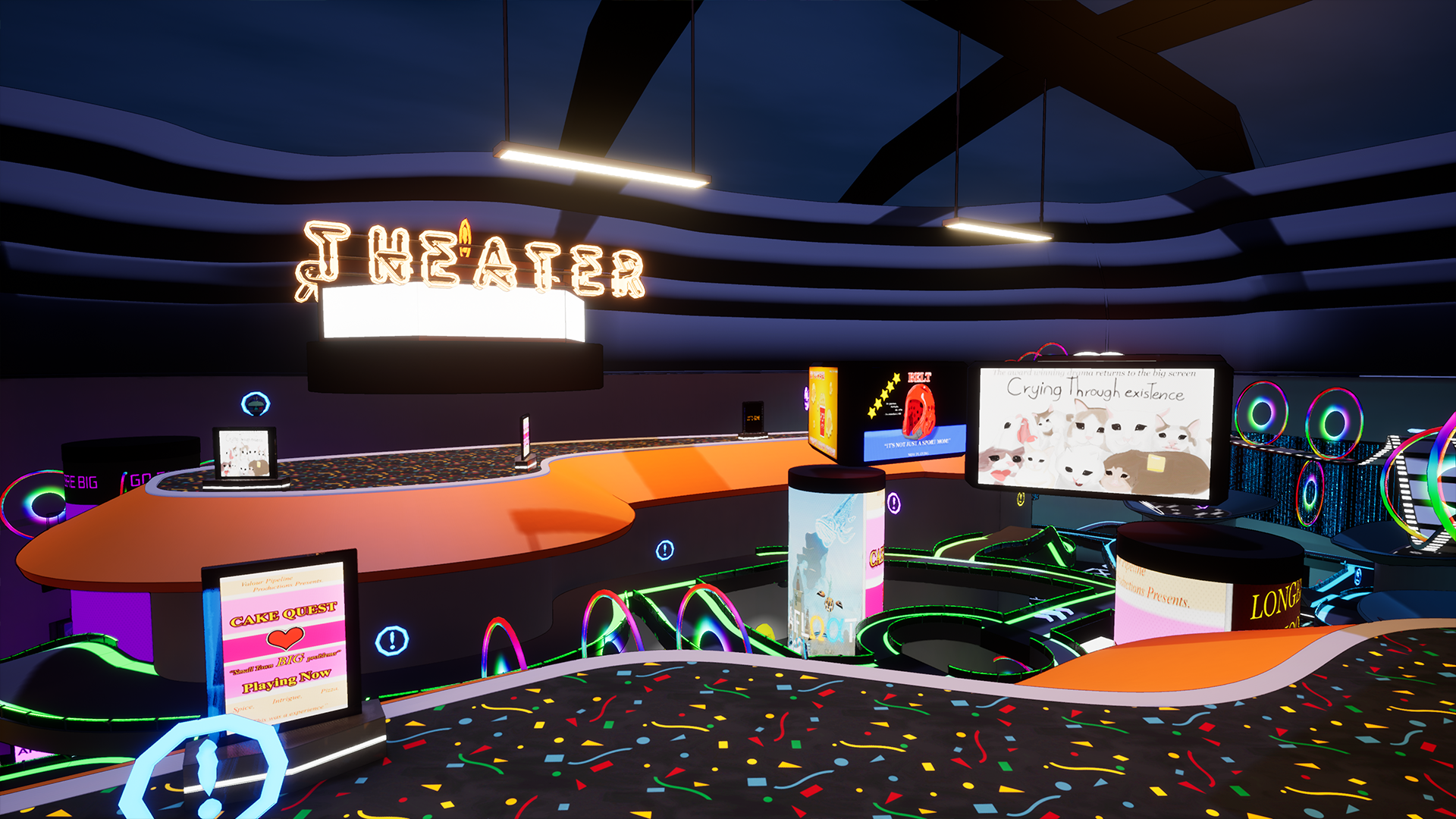
This was an extremely challenging project as I had to be extremely careful with my placement of lights.
The game needed to look good for sure, but the lights and the colors had to be distinct enough to help players
with area identity, while still being dim enough to allow for the important objects to be highlighted.
To sum it up, there needed to be a very strong contrast between the world lights and the moving shining objects the player needed to try to find and chase.
Pipeline
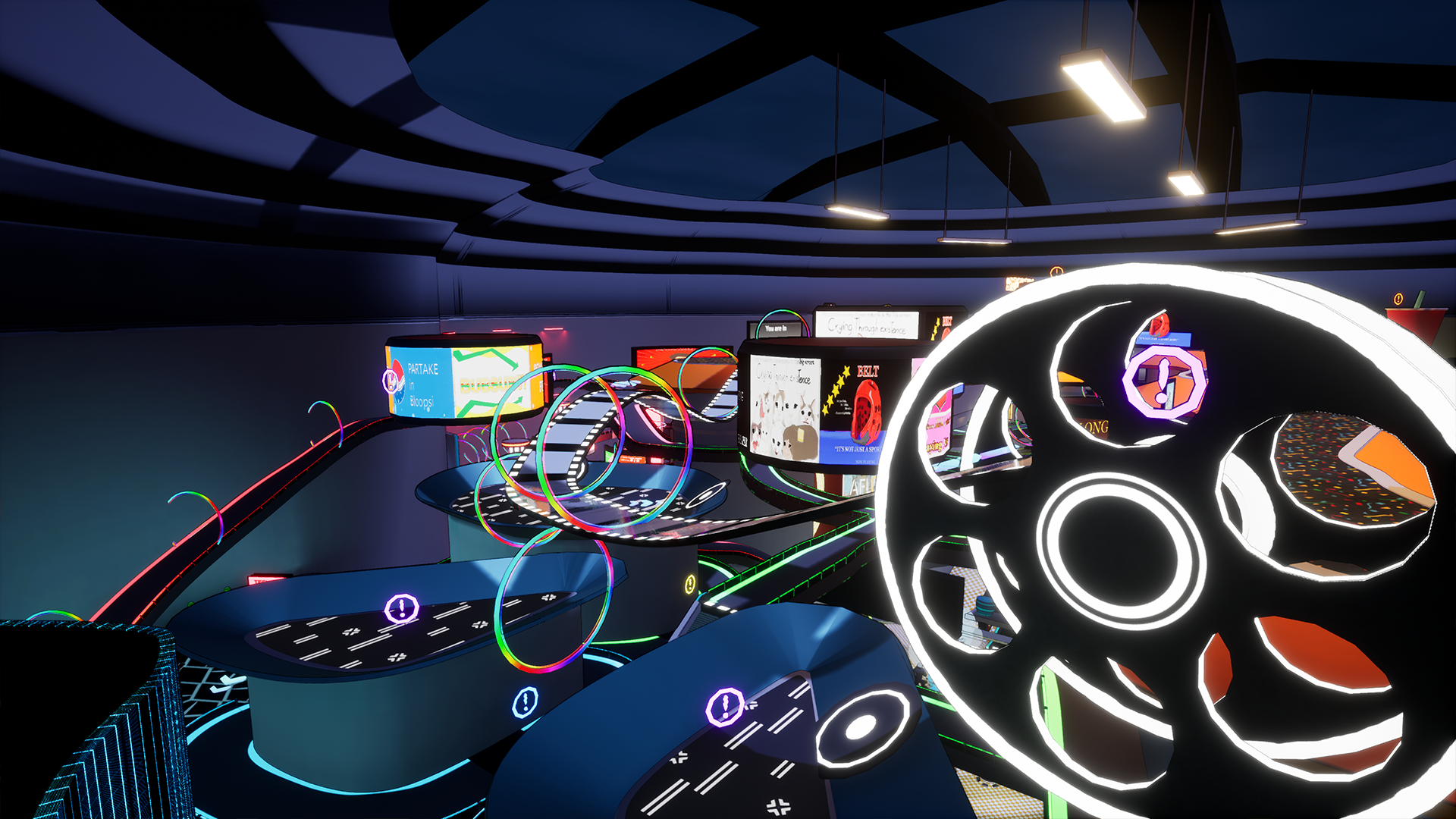
The challenge for creating Wowee Mall was clear. Our game mechanics required smooth, round surfaces to work, since wall-running and quick chaining of jumps was the core of the game. Hence, we couldn't afford sharp edges or other collisions that could potentially create moments where the character would aggressively snap to the new direction.
To solve this issue, I came up with one idea: the entire map would be created combining simple meshes with complex Spline-meshes. And all the walls and walkways of the level would be done using the same base mesh.
Getting to work, I created a 400x400x100 wall piece mesh to serve as the static mesh for the wall splines, and then created a master floor tile that I tasked the art team with.
The floor tile might look simple, but the crazy thing is, this is what is used in the entire map. All of the glowing walkways that you see around the level are all from this singular mesh. I modified our spline-mesh blueprint so it would allow the removal of none, one or both railings, as well as to set the vector 3 variable for the color of the railings' shader.
With this, the single floor piece you see above was used to create all of the glowing walkways you see in the map.
This also includes all of the ceiling flaps by the way. The blue and orange flaps, seeing in the higher areas of the level are also made with the same mesh and tool, since I added a modifier to the blueprint that allowed simple deformations and angling.